Why your emails land in spam, and how to fix it
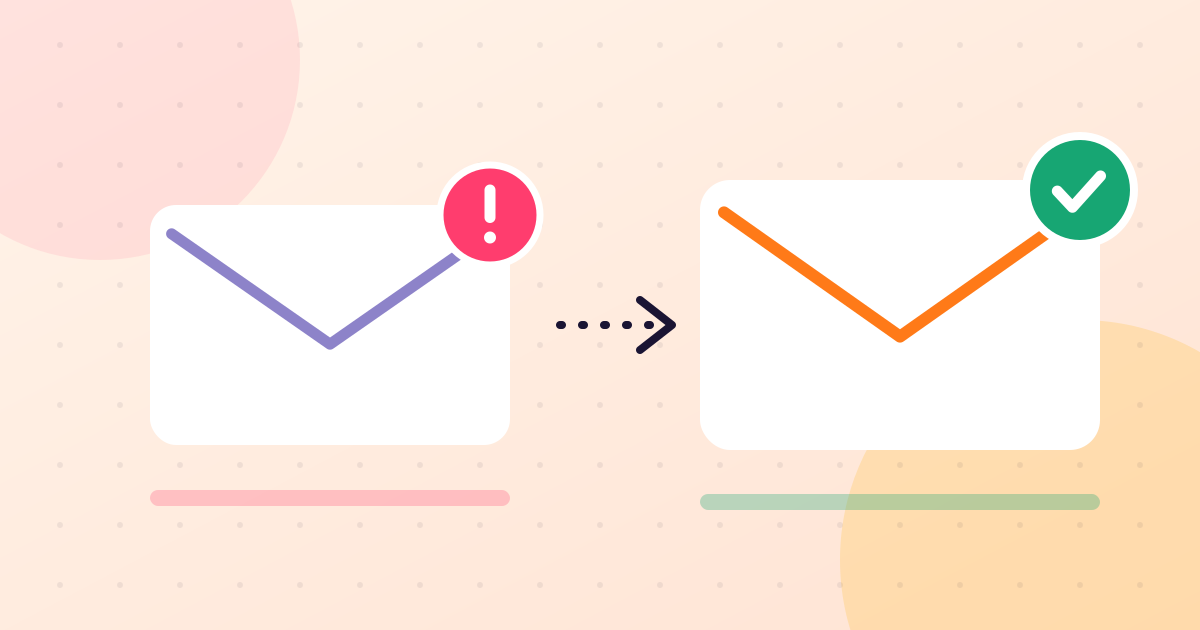
You wrote a good email, pressed send, and half your customers say they never saw it. It is in their spam folder. This is the most common problem in email marketing, and it is almost never about one "bad word" in the subject line. Mailbox providers decide based on your reputation as a sender. Here is what shapes that reputation and what to do about each part.
1. You are sending to addresses that do not exist
When an email cannot be delivered, it bounces. A few bounces are normal. A lot of them tell Gmail and Yahoo that you do not know who is on your list, which is how spammers behave. Lists collected by hand, or copied from old records, often contain many dead or mistyped addresses.
The fix: verify your list before you send, and remove invalid addresses. Aim to keep bounces under 2% of what you send.
2. People are marking your email as spam
Every time a recipient clicks "Report spam", the mailbox provider records a complaint against you. This is the strongest negative signal there is, and it takes very few complaints to do damage.
The fix: only email people who asked to hear from you, remind them at the top of the email why they are receiving it, and make the unsubscribe link easy to find. An unsubscribe costs you one reader. A spam report costs you delivery to everyone.
3. Your domain is not authenticated
Mailbox providers check that an email really comes from the business it claims to be from. They do this with three records on your domain, known as SPF, DKIM and DMARC. Without them, your email looks like it could be forged. Gmail and Yahoo now expect bulk senders to have them.
The fix: send from an address at your own domain, such as hello@yourbusiness.ng, and ask your email platform to help you add the records. It is a one-time setup.
4. You are sending from a free mailbox
Sending a newsletter to hundreds of people from a Gmail or Yahoo address does not work. Those services are built for personal email. They limit how many people you can write to, and bulk mail claiming to come from a free address is treated with suspicion.
The fix: use your own domain and a proper sending service.
5. You went from nothing to thousands overnight
A new domain that suddenly sends 20,000 emails looks exactly like a spam operation starting up. Reputation is earned gradually.
The fix: start with your most engaged customers and a smaller volume, then increase over a few weeks.
6. Nobody opens your emails
If most recipients ignore or delete your emails without opening them, providers conclude that people do not want them. Over time, more of your email is filtered.
The fix: send less often but better, write subject lines that say what is inside, and stop emailing people who have not opened anything in many months.
7. The email itself looks careless
Content matters less than reputation, but it still counts. Emails that are one large image with no text, subject lines in capital letters, misleading subjects and shortened links from public link shorteners all raise flags.
The fix: use real text alongside pictures, an honest subject line, and full links to your own website.
A checklist to work through
- Everyone on the list agreed to receive your emails
- The list has been verified and invalid addresses removed
- You send from your own domain, with SPF, DKIM and DMARC in place
- Every email has a working unsubscribe link and your postal address
- Bounces are under 2% and spam complaints are close to zero
- You increased volume gradually
- Your subject line matches what is in the email
Work through that list in order. In most cases the first two items are the cause, and fixing them does more than any change to wording or design.
More guides
 Email subject lines that get opened: 9 rules with examplesHow to write subject lines your customers actually open, with before-and-after examples for Nigerian shops, schools and service businesses.
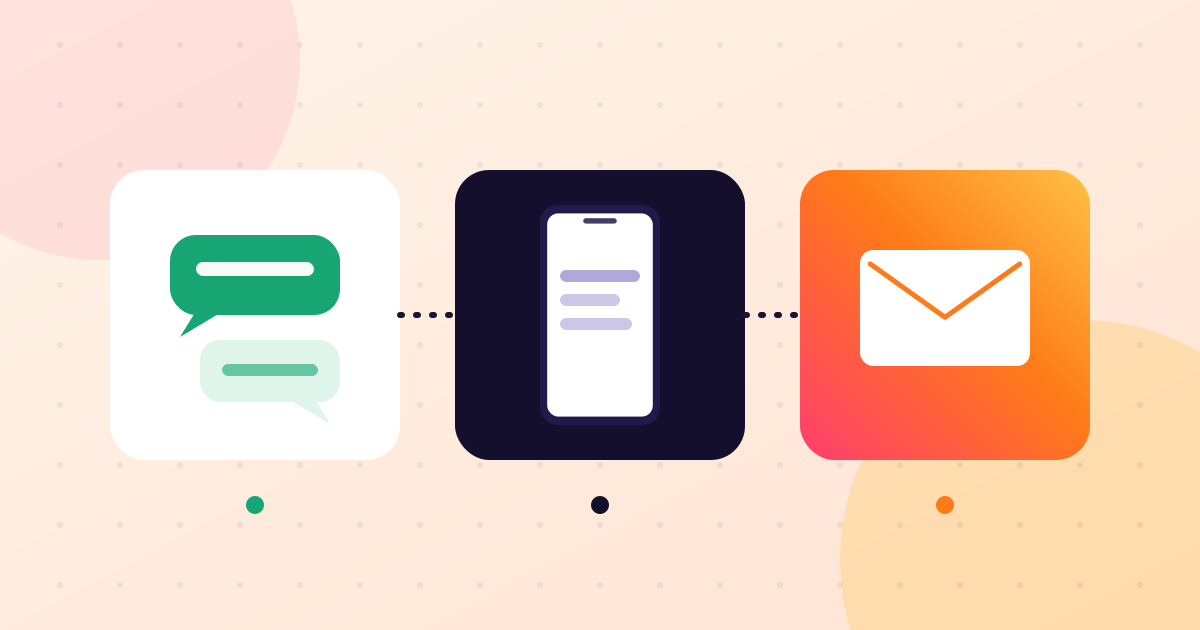 Email, WhatsApp or SMS: which should a Nigerian business use?A plain comparison of email, WhatsApp and SMS marketing for Nigerian businesses: what each is good at, where each falls short, and how to combine them.
 The NDPA and email marketing: what Nigerian businesses need to doWhat the Nigeria Data Protection Act 2023 means for your mailing list: consent, records, unsubscribes and customer rights, in plain language.
 How to build an email list in Nigeria without buying oneSeven practical ways Nigerian businesses can collect email addresses from real customers, with permission, starting this week.
 Email marketing for Instagram and WhatsApp vendors: a simple startIf you sell through Instagram or WhatsApp in Nigeria, here is how to add email in an afternoon and what to send in your first month.